How does your computer find websites
By Stefan Schmitt · 2023-09-29
Ok, I've worked with computers almost my entire life but today was the day I decided to find out how my browser goes from me entering a url into the search field to actually finding the page.
I couldn't have done it without my trusty companion named Bard¹. A bit slow², but it knows its stuff.
Ok here we go!
Let's start with the basics: What is a DNS?
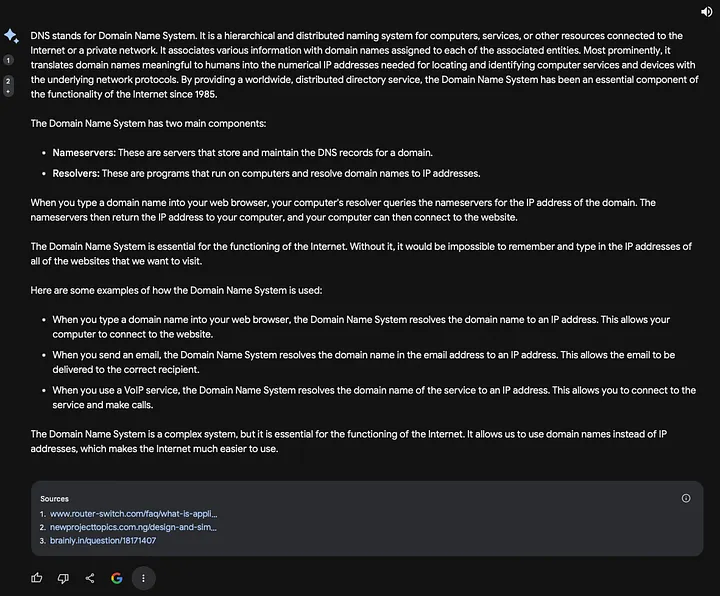
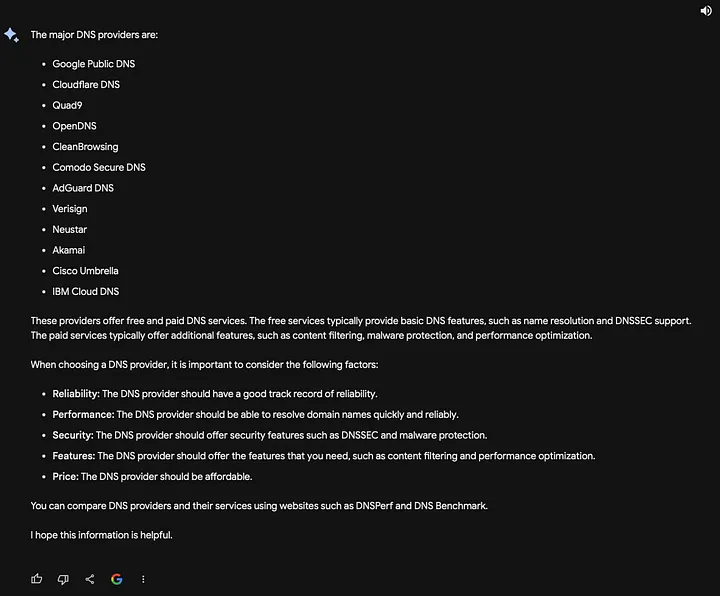
Ok, that's interesting, so What are the major DNS providers?
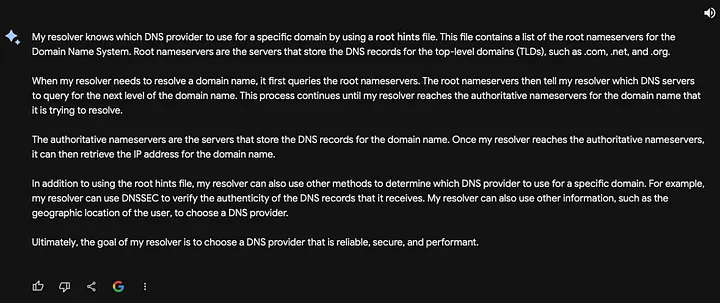
Super interesting! So How does your resolver know which DNS provider to use for a specific domain?
Ok, let's see how far you can go, Bard (❤️): Can you show me the path my local resolver takes to reach the authoritative DNS provider for this domain: schmittsfn.com

Worth a try. Let's stick to information only. Next: How do you visualise the steps a resolver takes to retrieve the IP of a domain?
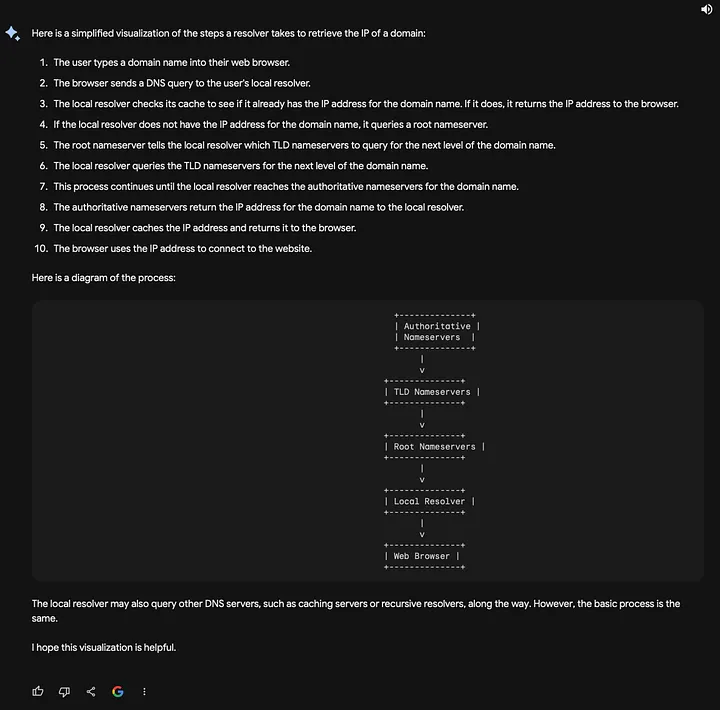
Got the picture now! Let's get down to the nitty gritty: Where is my local resolver on Mac?
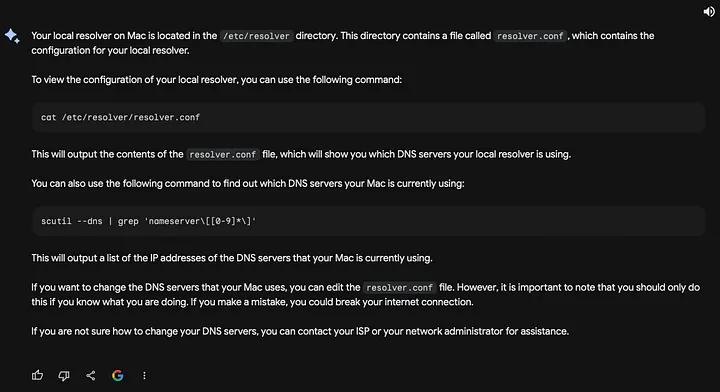
Cool, cat /etc/resolver/resolver.conf

Might have changed. I'm on macOS Ventura. cat /etc/resolv.conf
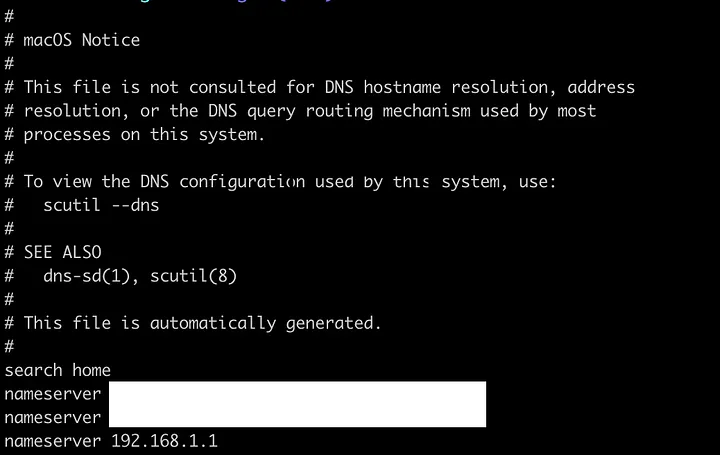
scutil --dns
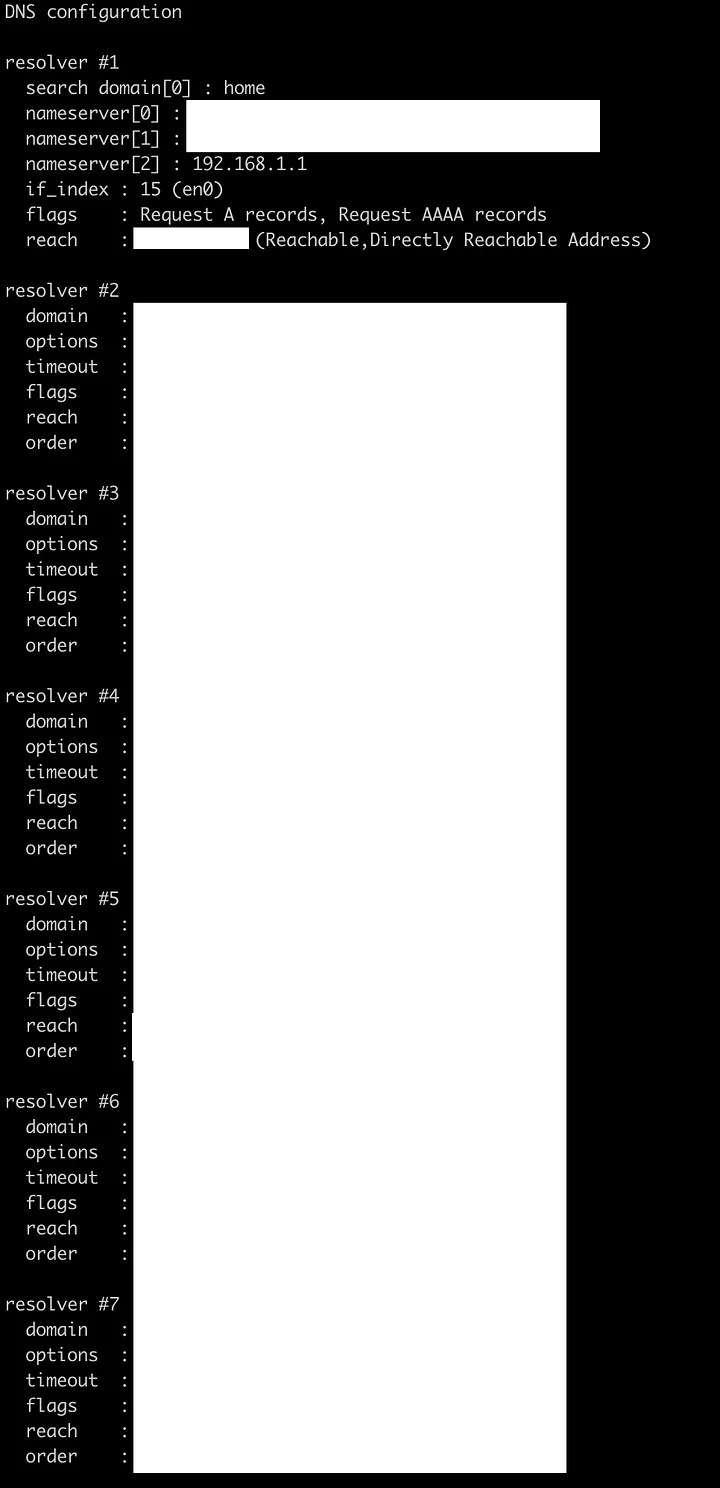
(I don't really know what information is generic in the above screenshot but I went for "safe")
Ok I think we're done!
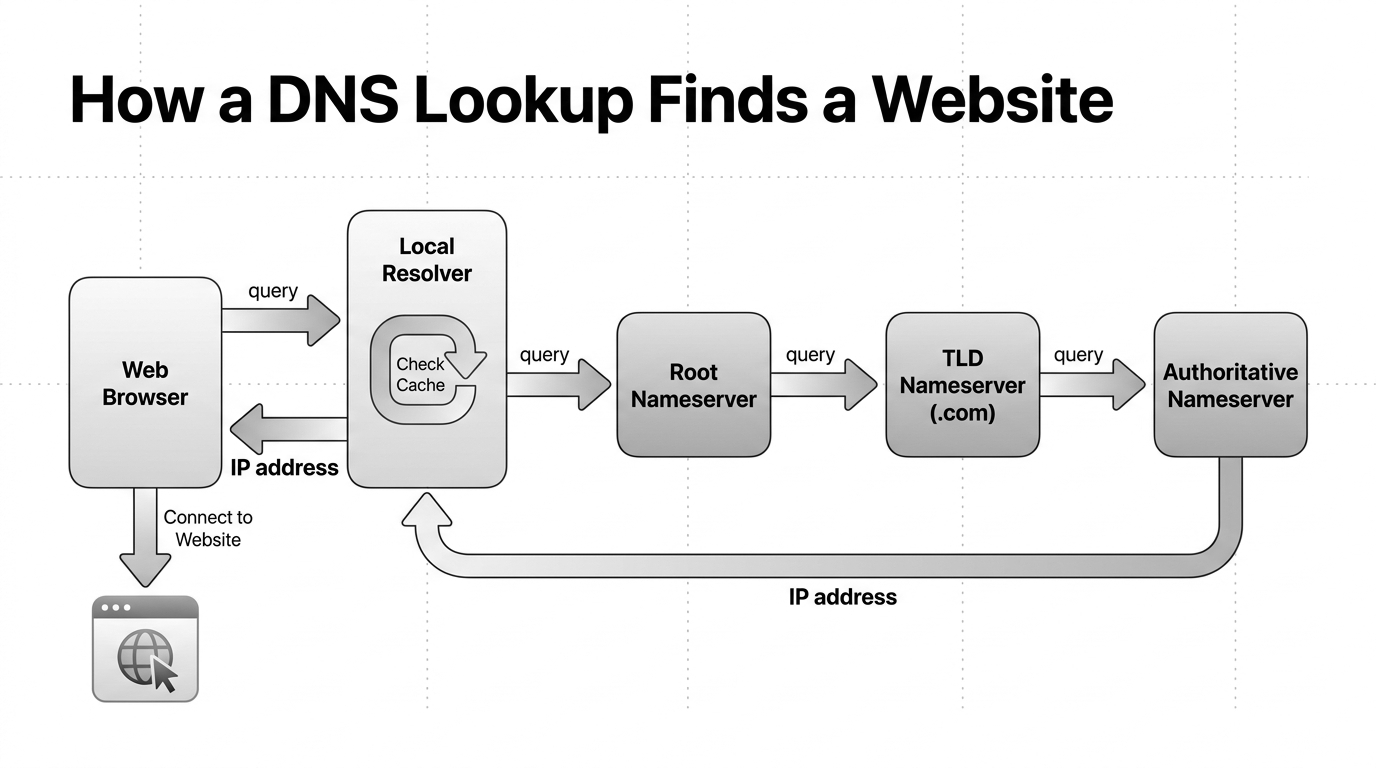
Here's the gist of it:
One detail in the screenshots is simplified: your local resolver and the recursive resolver are not always the same thing.
Your computer asks a system resolver to resolve the domain.
That local resolver usually forwards the question to a configured recursive resolver: often your router, your ISP, or a public DNS service.
If the answer is not cached, the recursive resolver follows the DNS hierarchy: root nameservers, TLD nameservers, then the authoritative nameservers for the domain.
The authoritative nameserver returns the IP address. The resolver hands it back, and your browser can connect to the website.
Hope this helps!
¹ Bard, a large language model from Google AI
² I'm sure that's going to change